

- Published on
Breaking the LLM Ceiling: How I Bypassed the Claude AI Rate Limit Wall for Under $5
- Authors

- Name
- Tina Park
- @tinaparklive
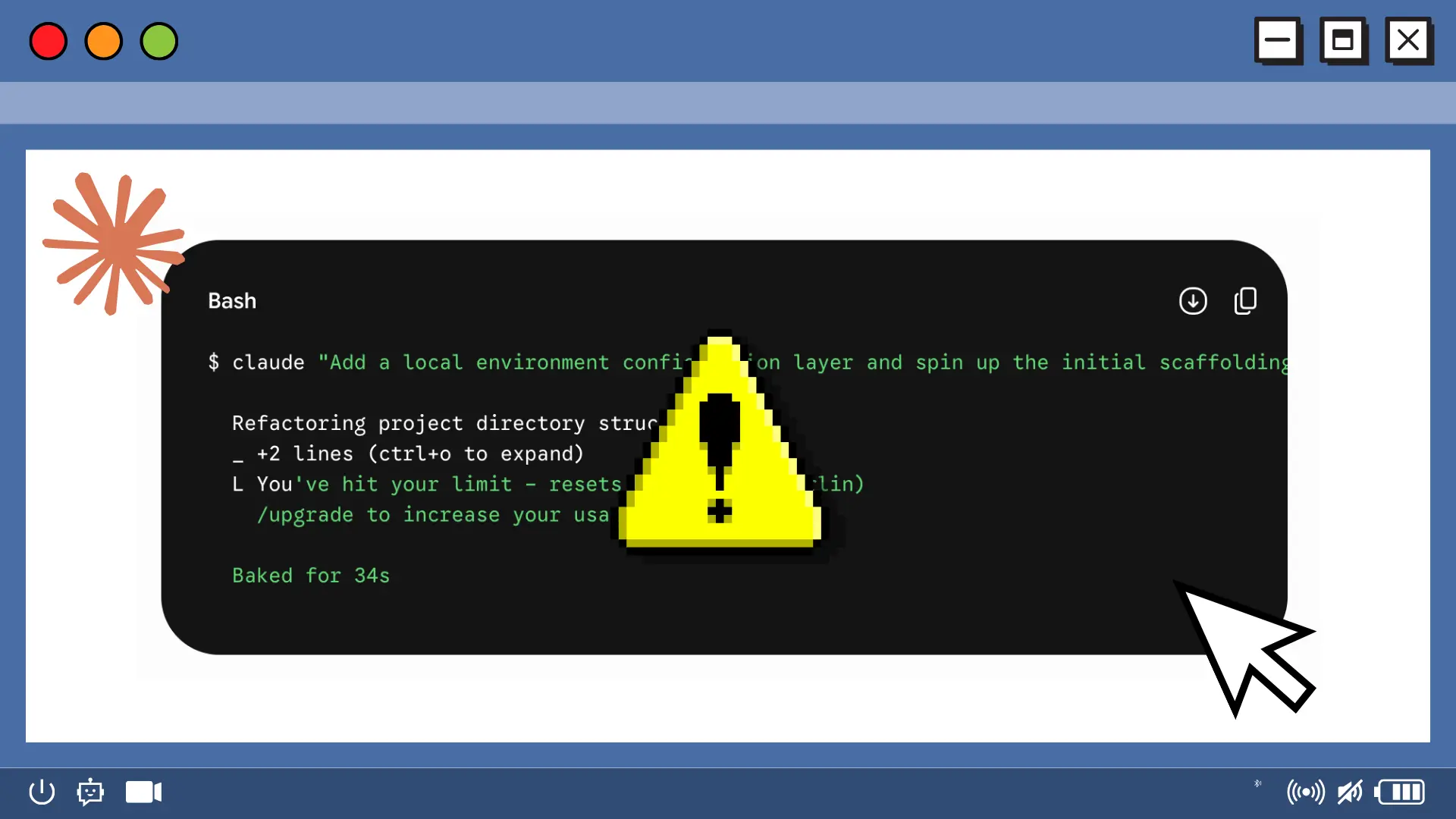
We’ve all been there. It’s late, you’re in an absolute flow state, and your MVP is coming together beautifully. You’re orchestrating code at the speed of thought, leaning heavily into the "vibe coding" revolution to build out features that used to take weeks.
And then, right when you’re about to wire up your most critical configuration layer, you hit the wall.
Your terminal spits back a frustrating, momentum-shattering halt:
$ claude "Add local environment layer and scaffold initial page paths"

  Refactoring project directory structures...
  _ +2 lines (ctrl+o to expand)
  L You've hit your limit - resets May 28 at 3pm (Europe/Berlin)
    /upgrade to increase your usage limit.

  Baked for 34s
Your momentum shatters. If you're building an AI-native app like my project Spoken Kitchen, you know that context windows fill up fast. When you are just in the beginning stages of an app—scaffolding layouts, spinning up initial pages, defining core features, and configuring .env files—passing basic boilerplate and folder paths back and forth can vaporize a standard $20/month browser-tier subscription in under an hour.
You could pay $100–$200 a month for higher consumer tiers, or you can do what engineers do best: diagnose the systemic bottleneck and redesign the architecture.
By shifting from a monolithic chat subscription to an optimized "Hands and Brains" token setup via OpenRouter, you can keep your terminal costs entirely under a tiny $5 bill. Here are the absolute top 3 most effective ways to restructure your workflow and eliminate token hemorrhaging completely.
1. The Hard Boundary: Debunking .claudeignore and Configuring .claude/settings.json
If you search online for how to stop Claude Code from reading your local workspace, dozens of AI-generated blogs will tell you to drop a .claudeignore file into your project root.
Don't do it. It is an un-enforced hallucination. The Claude Code CLI terminal harness does not natively recognize or automatically enforce access boundaries using a .claudeignore text file. If you blindly trust it, Claude's background tools will quietly bypass your exclusions, crawling directly through your project's node_modules, hidden build outputs, and .env secret keys. A single 5-word prompt can trigger a massive recursive search that processes 200,000 background tokens of static junk data in a split second, completely destroying your API budget.
To build a hard, un-passable boundary, you must utilize the native configuration engine inside your .claude/ folder.
Claude Code uses a smart hierarchical settings system: .claude/settings.json is committed to your repository so your entire team shares the same security and permission layers, while .claude/settings.local.json is left inside your .gitignore to hold your private pay-as-you-go OpenRouter API keys.
Claude Code processes tool permissions sequentially using a strict security architecture: deny → ask → allow. The first matching rule wins. By placing a targeted deny filter at the top of your shared settings.json file, you can hard-block the agent's file tools (Read, Glob, Grep) from accessing dependency or configuration files, while explicitly letting the core read tools function globally across the rest of your codebase to maintain uninterrupted developer flow.
The Production Fix (.claude/settings.json)
You can find the ready-to-clone setup template directly in the claude-code-token-optimizer Repository.
{
  "permissions": {
    "deny": [
      "Read(.env*)",
      "Read(**/node_modules/**)",
      "Read(**/.next/**)",
      "Read(**/dist/**)",
      "Read(pnpm-lock.yaml)",
      "Write(.env*)",
      "Bash(git push *)",
      "Bash(rm -rf *)",
      "Bash(sudo *)"
    ],
    "allow": [
      "Read",
      "Glob",
      "Grep",
      "Bash(pnpm install:*)",
      "Bash(pnpm typecheck:*)",
      "Bash(pnpm build:*)",
      "Bash(timeout 15 pnpm dev:*)",
      "Bash(pkill:*)",
      "Bash(pnpm list:*)",
      "Bash(pnpm add:*)",
      "Bash(pnpm tsc:*)",
      "Bash(pnpm dev)",
      "Bash(ls:*)",
      "Bash(lsof:*)"
    ]
  }
}
2. The Conceptual Firewall: Split-Stack Browser Planning
Asking an AI to debate software architecture patterns, explain conceptual logic, or compare frontend frameworks requires an immense amount of conversational back-and-forth tokens. Doing this exploratory brainstorming directly inside your terminal agent layer is a financial disaster.
To fix this, we implement a classic software engineering principle: Separation of Concerns. Split your development loop into two distinct operational layers:
The Brains (Browser Sandbox): Shift all abstract reasoning, deep architecture planning, and error log debugging out of your terminal and into an OpenRouter browser sandbox. You can use DeepSeek R1 to leverage elite reasoning on OpenRouter's free endpoints for exactly $0.00, or use Claude Sonnet 4.6 on a pure pay-per-token API basis to avoid consumer seat lockouts.
The Hands (Local CLI Agent): Lock your terminal strictly to an execution layer using Claude Sonnet 4.6 (--model claude-sonnet-4-6). Do not let it brainstorm. Treat it purely as a machine to apply targeted blueprints, write raw files, and execute build checks. Because Sonnet 4.6 supports persistent Prompt Caching on OpenRouter, re-reading your core cached files costs 90% less ($0.30 per 1M tokens instead of $3.00).
The Handoff Loop in Action
Brainstorm for $0: Throw your complex goals or layout bugs into your browser sandbox and append this instruction: "Give me a concise architectural breakdown and an actionable code blueprint. Do not rewrite whole files."
Execute Locally: Copy that precise blueprint text, drop into your terminal, and hand it to your agent:
claude "Apply the state configuration layers from this sandbox blueprint to /src/components/PageLayout.tsx and run pnpm build."
3. The Context Reset: Leveraging the Terminal /clear Command
Terminal coding agents scale their costs geometrically. Every single time you type a command and hit Enter, the tool doesn't just process your new sentence—it resubmits the entire rolling history of that active terminal session to the API.
If you spend an hour scaffolding directory paths, setting up database keys, and tweaking layouts in a single ongoing session, your history tax compounds. By the end of the hour, asking Claude to change a single word of text forces it to re-read thousands of lines of previous chat history, burning through pennies and dollars per turn.
The fix is incredibly simple: frequently flush the rolling conversation cache with the /clear command.
Once you finish a distinct sub-task (e.g., your initial page routing folders are successfully scaffolded and the local build compiles), that history is no longer relevant to your next feature. Type /clear or /reset in your terminal. This drops your active input footprint instantly back to zero, giving you a fresh, clean slate for your next coding sprint without breaking your project's core momentum.
Wrapping Up
Vibe coding is an incredible paradigm shift, but scaling an application on a micro-budget requires moving from casual conversations to tactical engineering. By utilizing native .claude/settings.json permissions to hard-block background dependency scans, firewalling your brainstorming into a free browser sandbox, and flushing your history frequently with /clear, you completely shatter the LLM rate limit wall while keeping your setup entirely within a sub-$5 budget.